Live Tail (Web)
Live Tail streams requests from your cluster into proxymock web in real time. Use it to observe activity, verify traffic is flowing, and pivot to the captured requests for mocking or replay.
Prerequisites
- proxymock web running locally:
proxymock web - Connected cluster in Observability (Forwarder reachable)
1) Connect to your cluster
Open Observability → Topology. If needed, use Retry to connect (auto port-forward), or switch kube context.
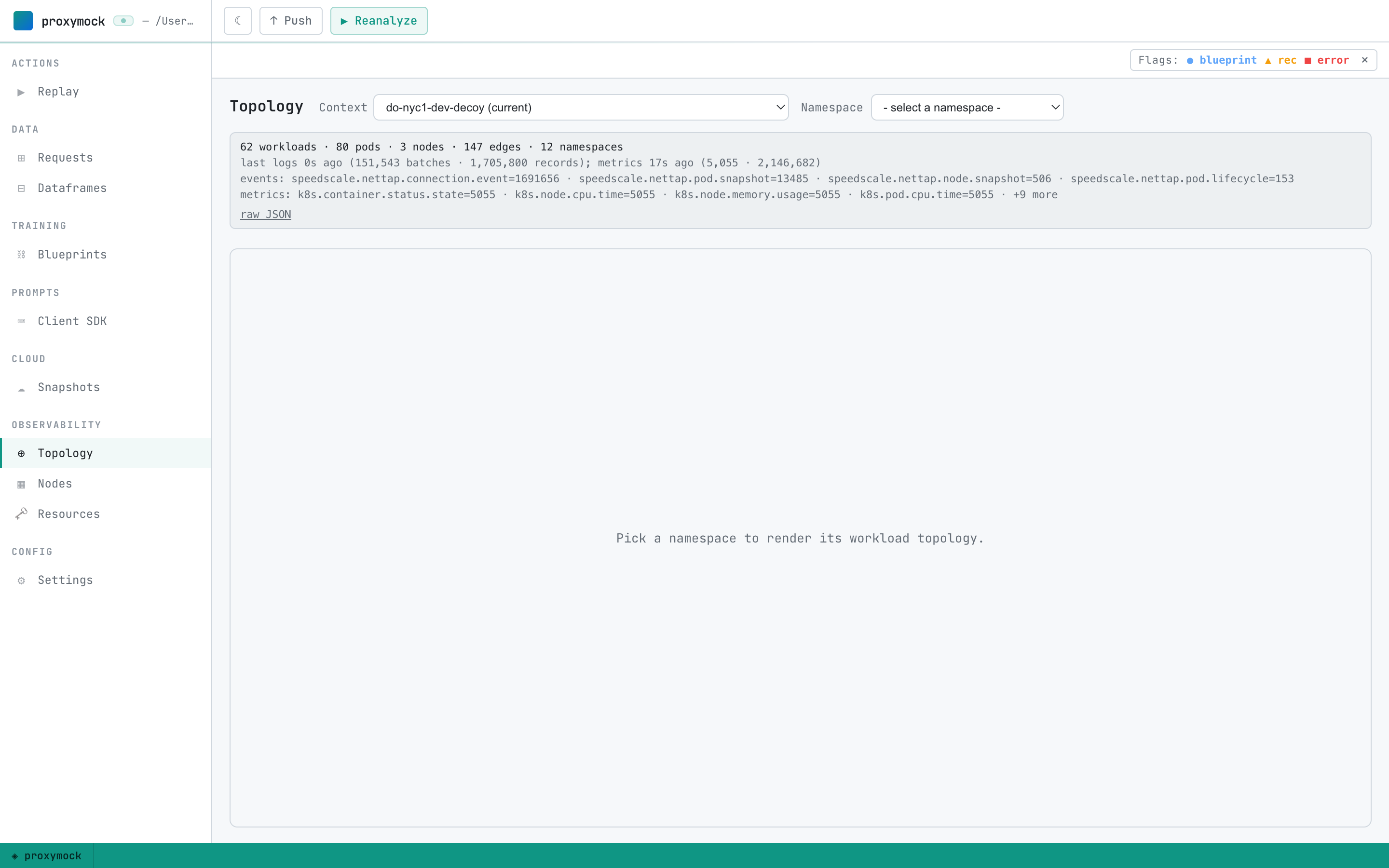
2) Start a Live Tail session (workload tap)
From the Topology view:
- Pick a namespace, click a workload to open its pane
- Start a live tap session for that workload (the UI provides start/stop controls)
- Generate some load on the service
The persistent “Live capture” card appears at the top of the content area showing broadcast/received/written counters and per-session actions.
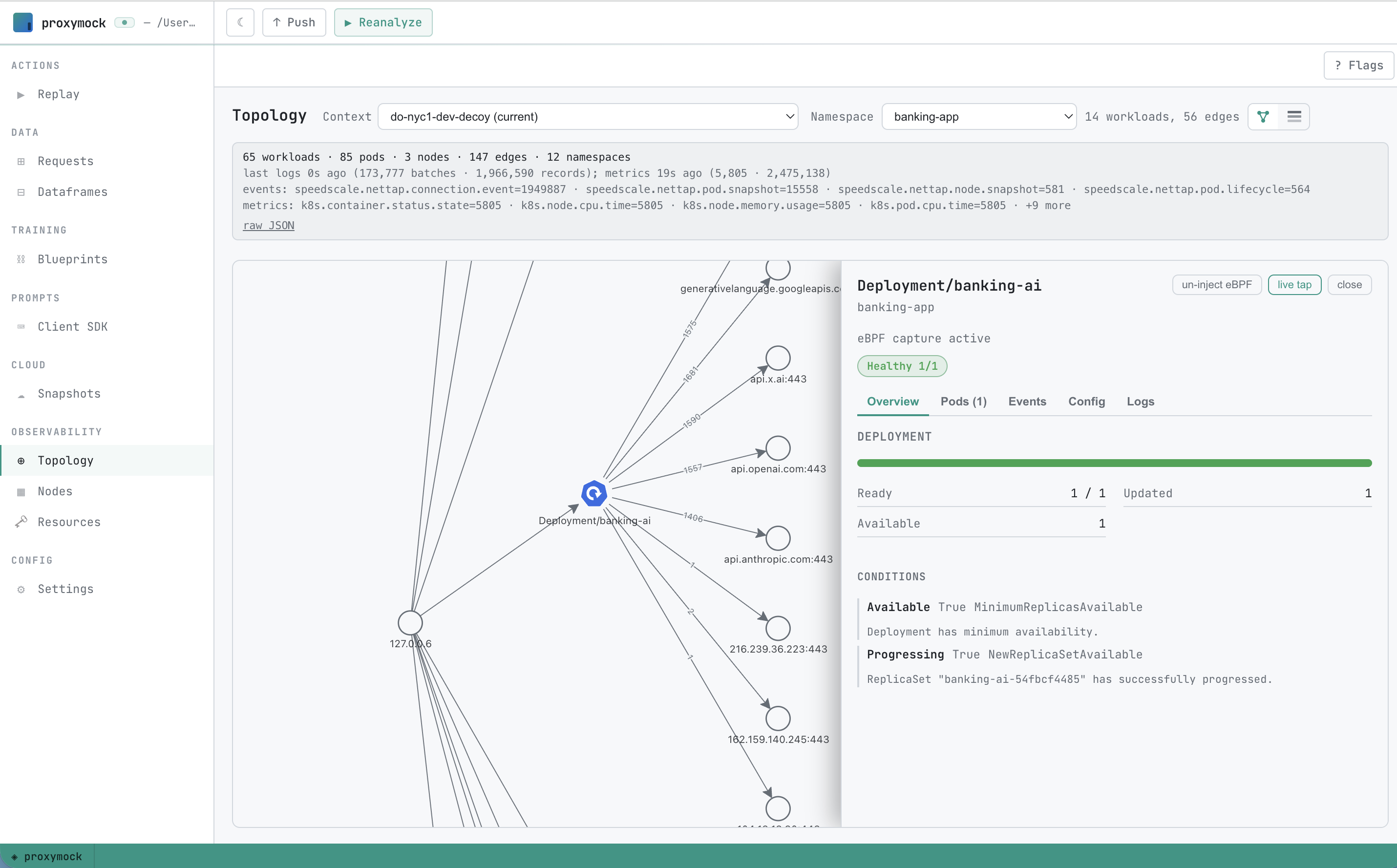

Tips:
- The tap card shows all active sessions. Click “View” to jump to Requests scoped to that run
- Click “Stop” to end a session; previously captured data remains available
3) Inspect captured requests
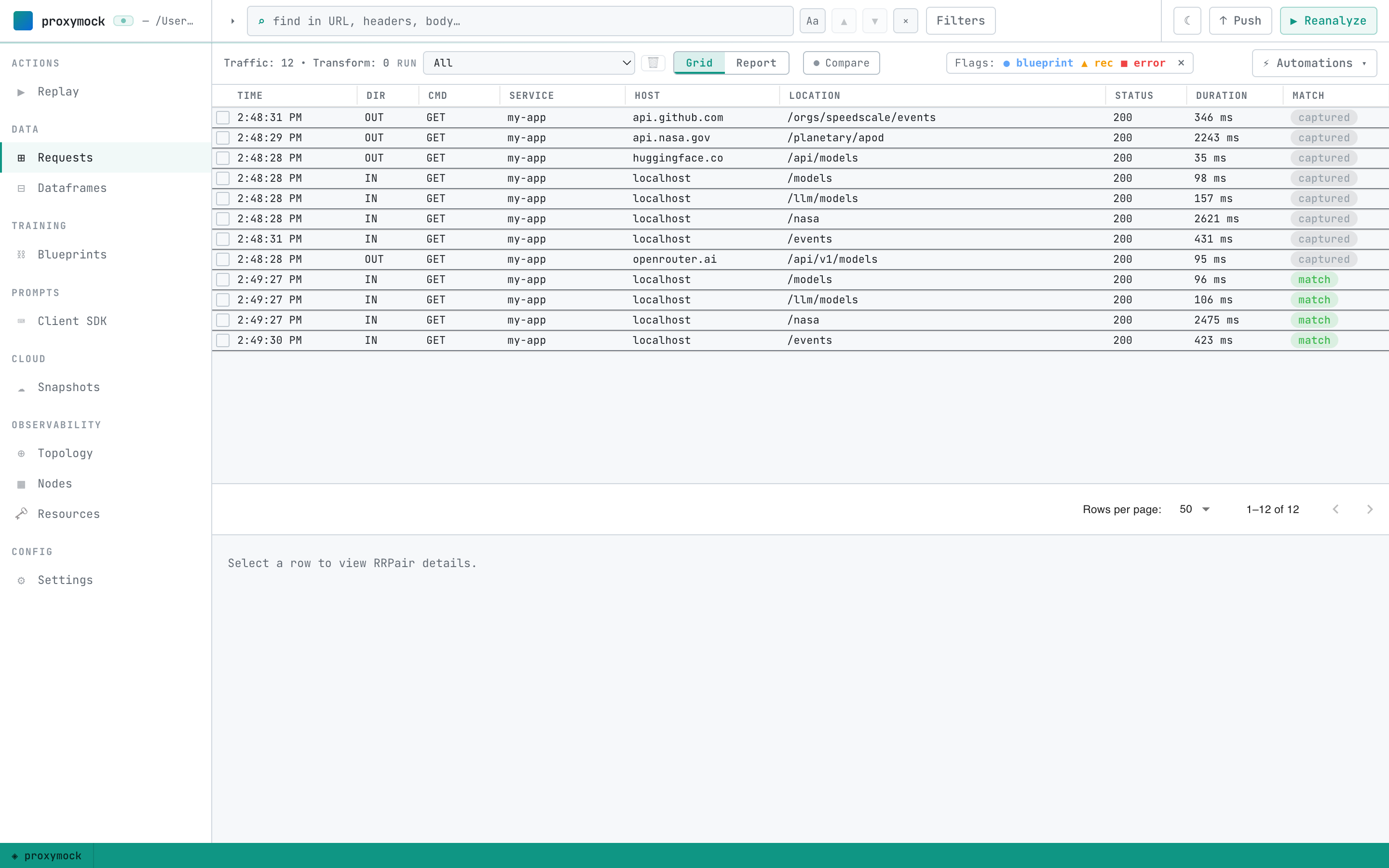
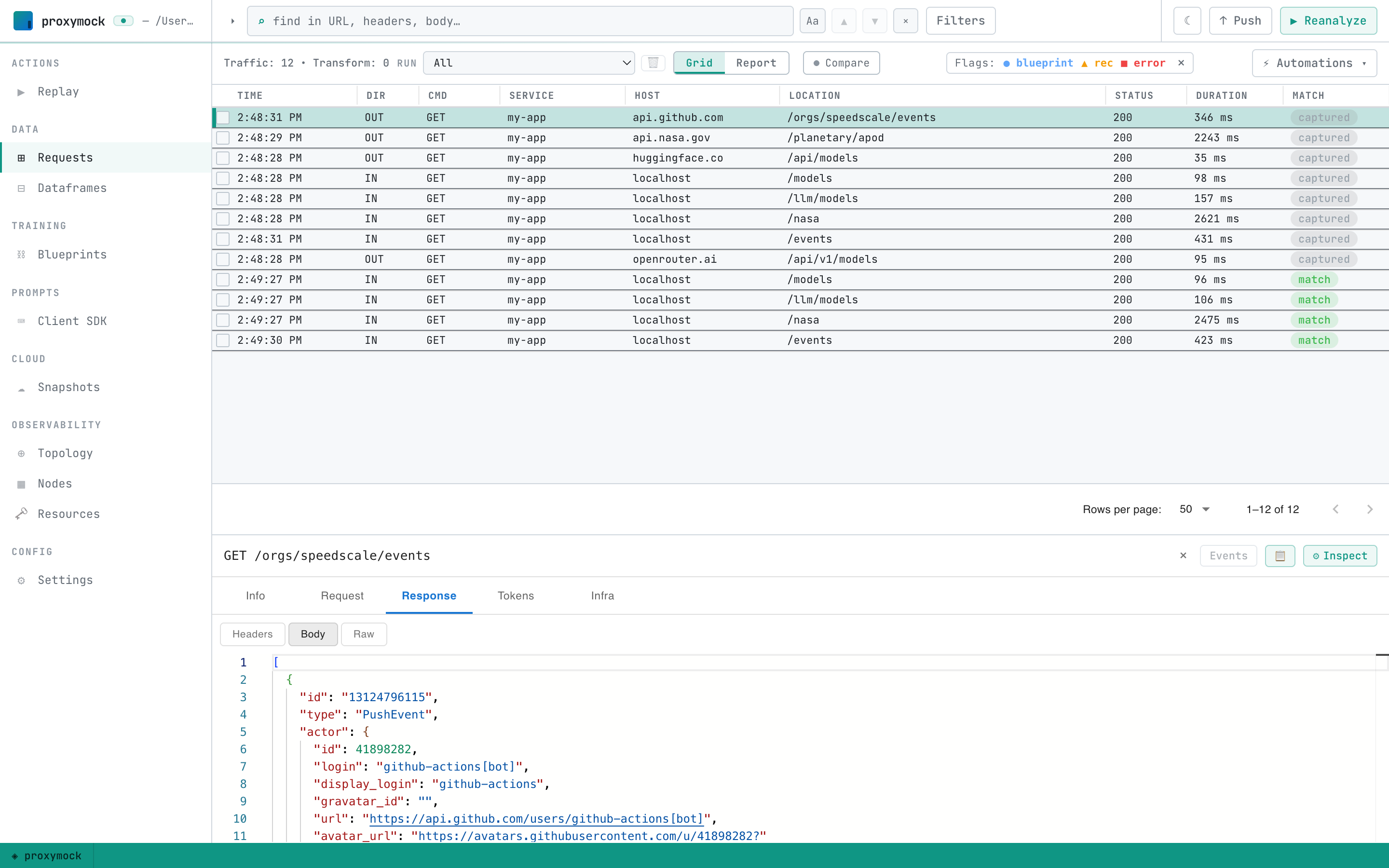
Go to the Requests tab. Use the Run selector to scope to the current live-tail run; filter by host, method, path. Open details to view full request/response (headers, body, timing).
4) Optional — Replay or mock
With a live-tail run selected you can:
- Replay locally against a URL
- Or switch to the Replay tab and “Run in cluster” against a Workload/Service. Recorded dependencies are mocked by default; change that under Options


Data considerations
- Live Tail streams metadata and payloads; apply DLP when exporting to cloud
- Enterprise isolation: consider BYOC if data residency constraints apply
Next steps
- In-Cluster (Web): /proxymock/getting-started/quickstart/in-cluster/
- How It Works: /proxymock/how-it-works/
- Guides: /proxymock/guides/