---
title: "Import from Postman | Speedscale Docs"
description: "Import Postman v2.1 collections into Speedscale Cloud or local proxymock tests and mocks."
canonical: "https://docs.speedscale.com/guides/integrations/import/import-postman/"
---
[Documentation index](https://docs.speedscale.com/guides/llms.txt) | [Markdown](https://docs.speedscale.com/guides/integrations/import/import-postman/index.md) | [Canonical page](https://docs.speedscale.com/guides/integrations/import/import-postman/)
# Import from Postman
This guide imports an existing Postman collection into Speedscale Cloud or local proxymock files. It is useful when a service is new and has no recorded traffic.
We'll take the following steps:
1. Export your collection from Postman
2. Import your collection to Speedscale Cloud or proxymock.
3. Replay the requests or serve saved example responses as mocks.
## Export Postman collection
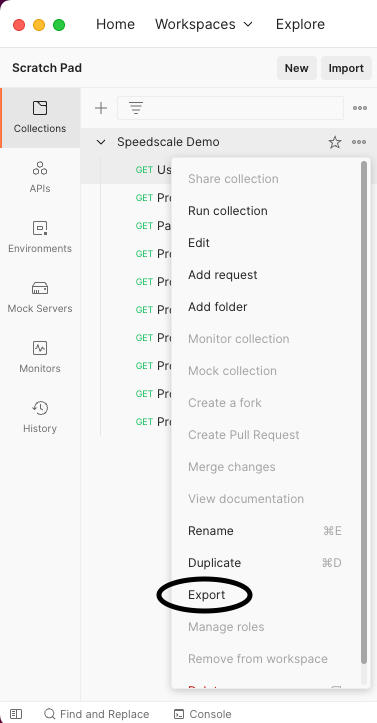
Open your Postman collection and export it to a local file. Only collection format v2.1 is supported.
## Import to Speedscale Cloud
Open [Services](https://app.speedscale.com/) in the Speedscale UI. Click **Add service**, then select **Build from Postman Collection**.
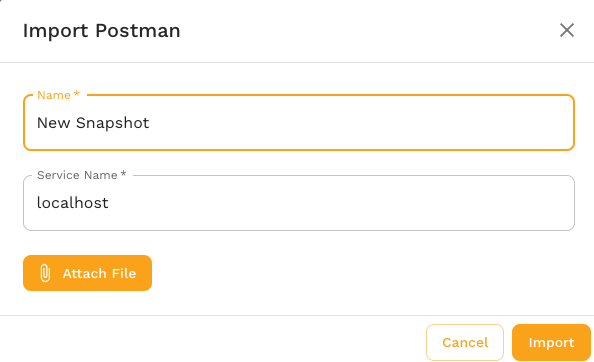
The dialog asks for a snapshot name, collection file, and service name. The service name identifies the imported traffic; the replay wizard asks for the real target URL later.
The equivalent CLI command is:
```bash
speedctl import postman --name {SNAPSHOT_NAME} \
--service-name {SERVICE_NAME} --from collection.json
```
## Import to local proxymock files
The local importer does not require a Speedscale account. Collection variables with values are substituted. Variables exported without values, which commonly include secrets, remain as `{{placeholders}}`.
```bash
proxymock import postman collection.json --out ./postman-rrpairs
proxymock replay --in ./postman-rrpairs \
--test-against http://localhost:8080
```
Requests with saved example responses can also be served as dependency mocks:
```bash
proxymock mock --in ./postman-rrpairs
```
## View Snapshot
A cloud import creates a traffic snapshot that can be replayed in a cluster or from a local desktop. After import, the UI opens the snapshot.
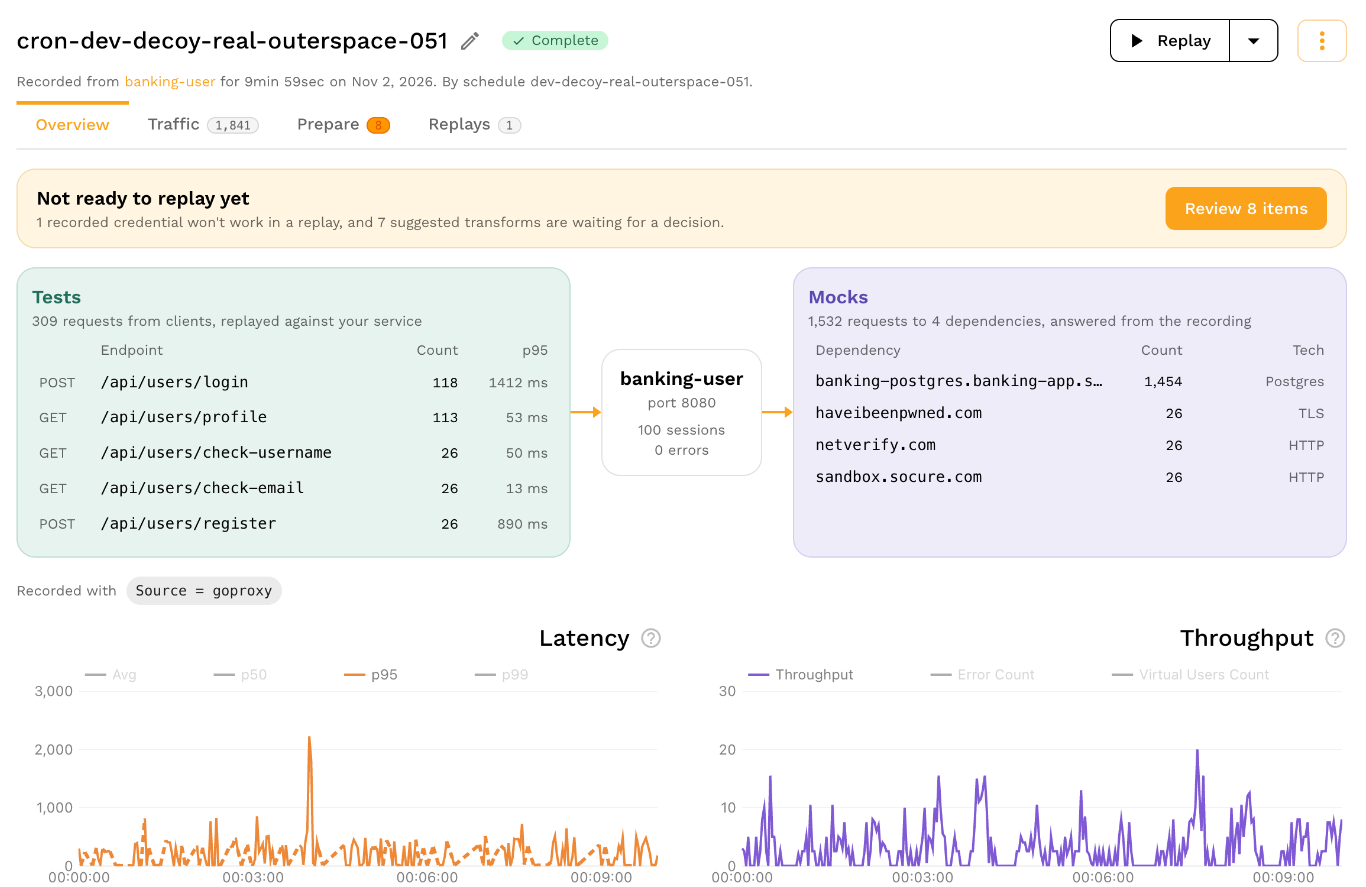
Click **View Traffic** to inspect the Postman requests before replay.
## Replay
Postman-generated cloud snapshots can be replayed from the snapshot page. Set **Custom URL** to the service under test because an imported collection does not have a discovered cluster destination.
For the cloud workflow, see the full [replay guide](https://docs.speedscale.com/guides/replay/). For local commands, run `proxymock import postman --help` and `proxymock replay --help`.